This is a very common and very practical doubt. Let me clarify it simply.
In India, the FreeStyle Libre sensor can be scanned either by a compatible smartphone or by a separate Libre reader. Both options are valid.
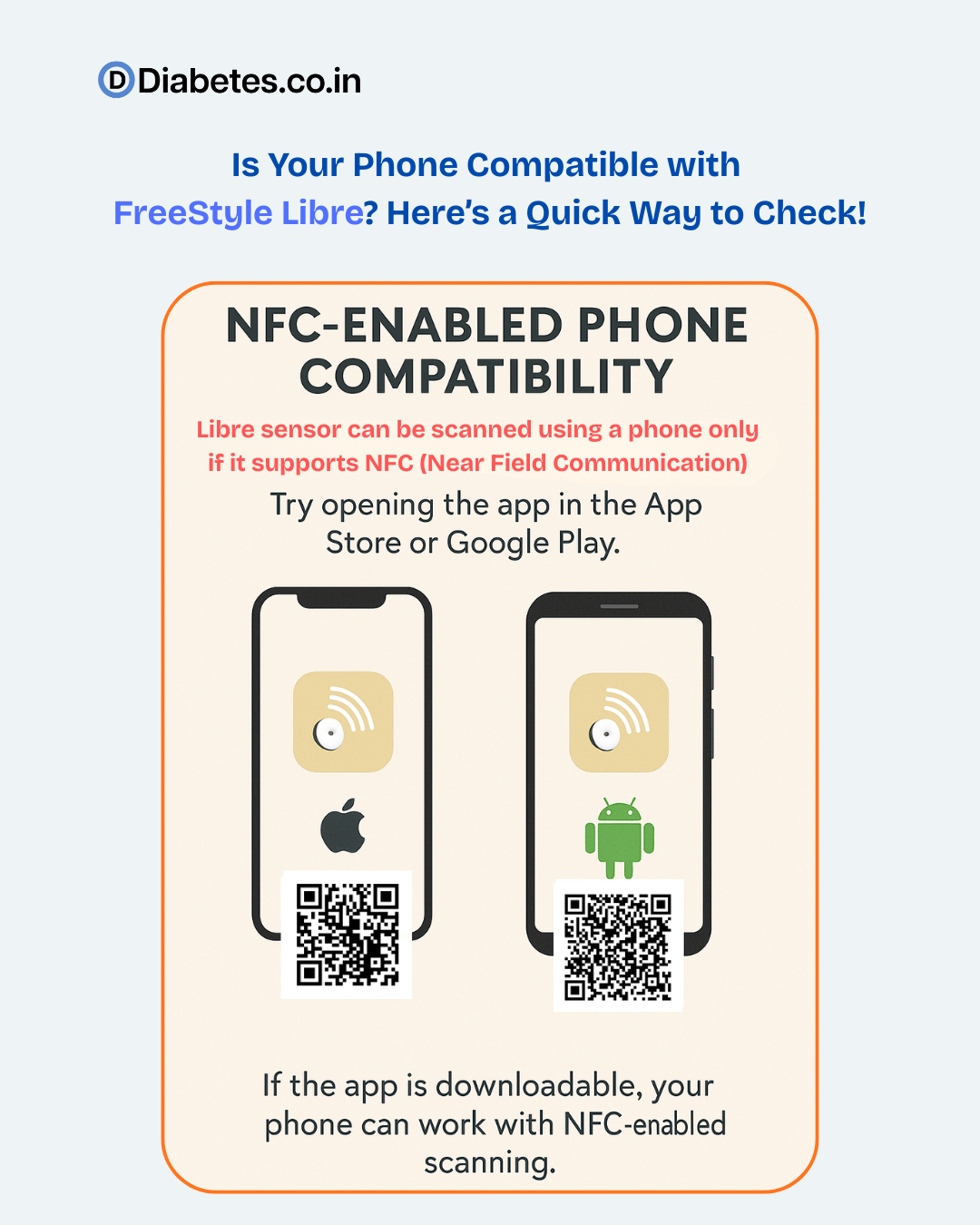
First, about phone compatibility
To scan the Libre sensor using a phone, the phone must:
- Support NFC (Near Field Communication)
- Allow installation of the LibreLink app
- Run a supported Android or iOS version
The simplest way to check compatibility is not technical at all.
Just do this
If the app installs normally, the phone is likely compatible.
If it shows “not compatible with this device” or does not allow installation, that phone cannot be used for scanning.
Now the most important clarification
If the phone is NOT compatible, the sensor is still perfectly usable.
You can simply use the FreeStyle Libre reader device instead of the phone.
The reader:
- Is designed only for Libre scanning.
- Works reliably in all patients.
- Does not depend on phone model, updates, or NFC issues.
So phone incompatibility does not block CGM use. It only changes how you read the sensor.
For many patients, especially elderly patients or those not comfortable with smartphones, I actually find the reader more practical and stress-free.
If you are unsure how to check the phone:
- Ask a technically aware neighbour or family member
- Or ask the diabetes clinic staff to check the app installation
The FreeStyle Libre system is developed by Abbott, and both phone scanning and reader scanning are approved options.
Final takeaway
- Phone compatible - you can scan using LibreLink app
- Phone not compatible - use the Libre reader
- Sensor accuracy remains the same in both cases